
Print Your Canva Designs with Confidence

More Than Just Printing
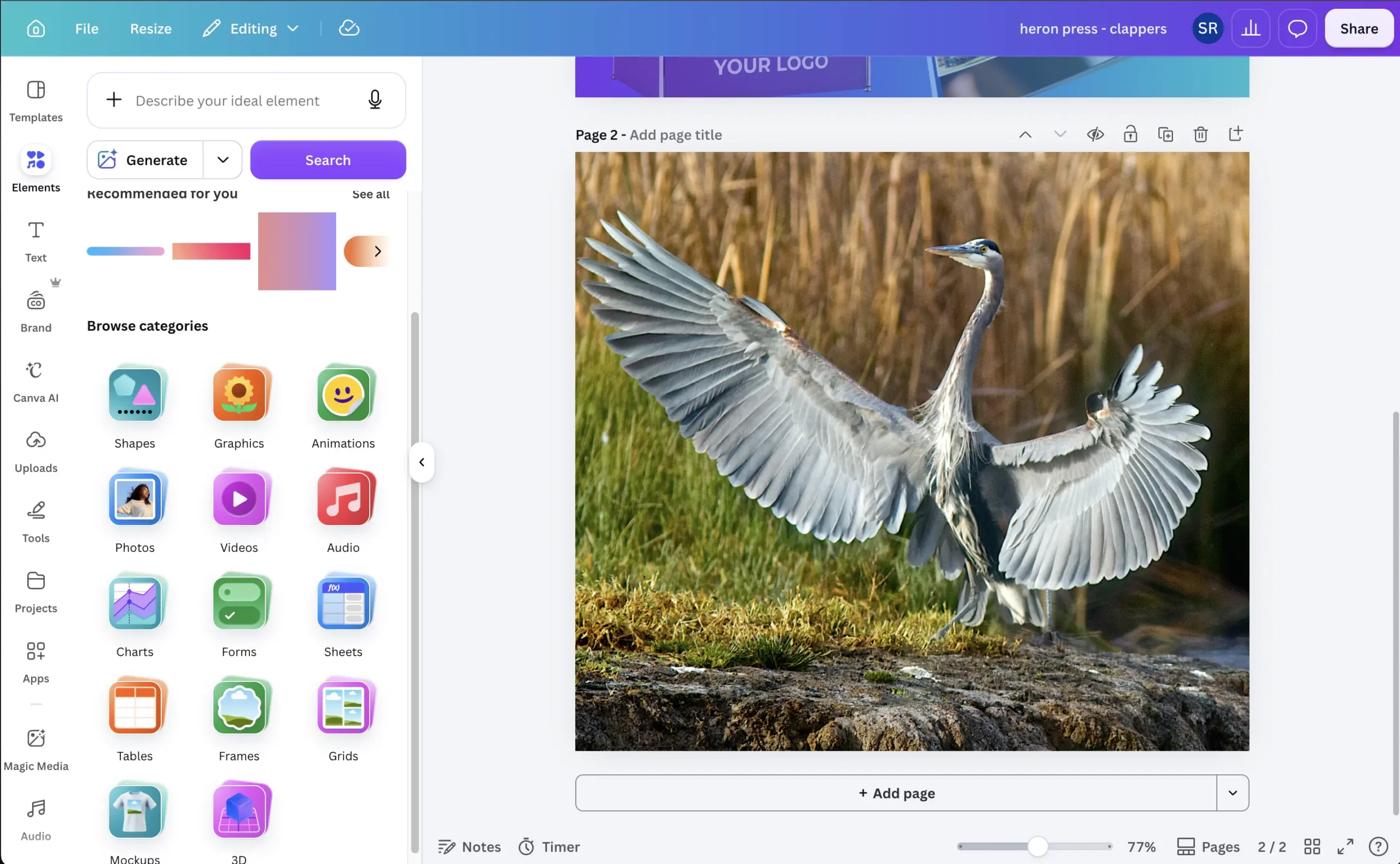
While Canva is a fantastic design platform, print-ready artwork can sometimes require adjustments to achieve the best possible results. That's where we can help.
Our experienced design team can:
- Review your Canva artwork before printing
- Check for resolution and image quality issues
- Ensure colours are suitable for print production
- Adjust layouts, bleeds and margins where required
- Correct any technical issues that may affect the finished product
- Take over and refine your Canva project to maximise print quality
Access to Your Canva Design
If you'd like us to make improvements, simply share your Canva project with our team. We can work directly within your design, making professional adjustments while maintaining your original vision.
Why Choose Heron Press?
- Over 40 years of printing experience
- Expert design and pre-press support
- Friendly, personal service
- High-quality print across a wide range of products
- Fast turnaround times
- Advice and guidance throughout the process
From Canva to Print – Made Easy
Whether you have a finished design ready to go or would like professional assistance to prepare it for print, we're here to help.
Send us your Canva design today and let our team ensure it looks its very best in print.
How to Visualise Your Print
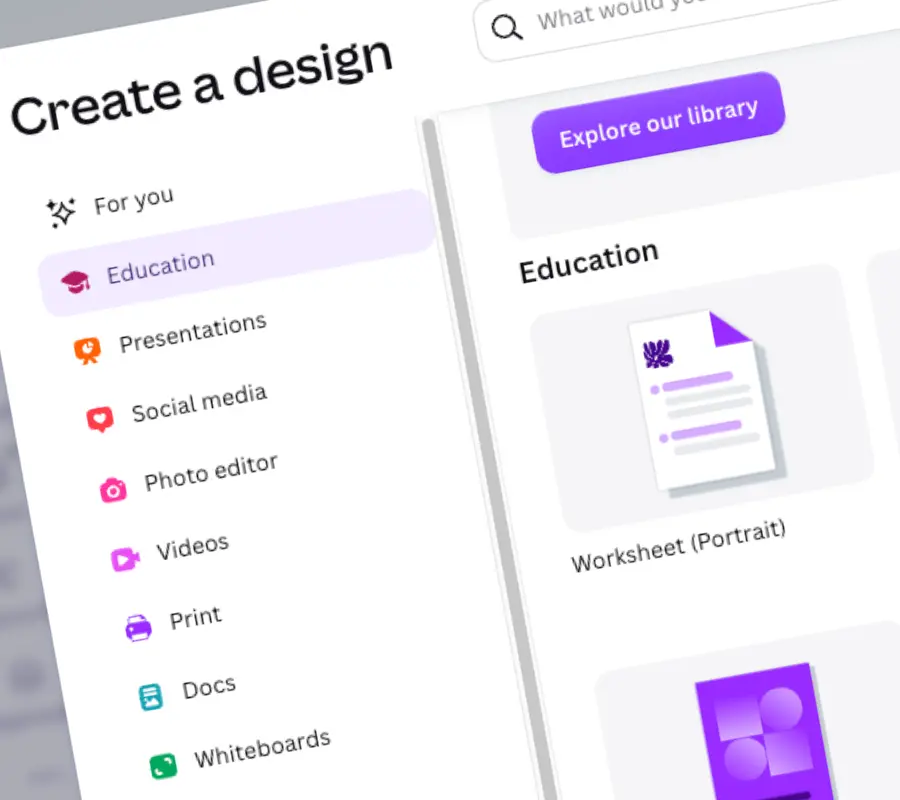
Choosing the right print size can be difficult, especially when designing in Canva. A design that looks right on screen can feel very different when printed.
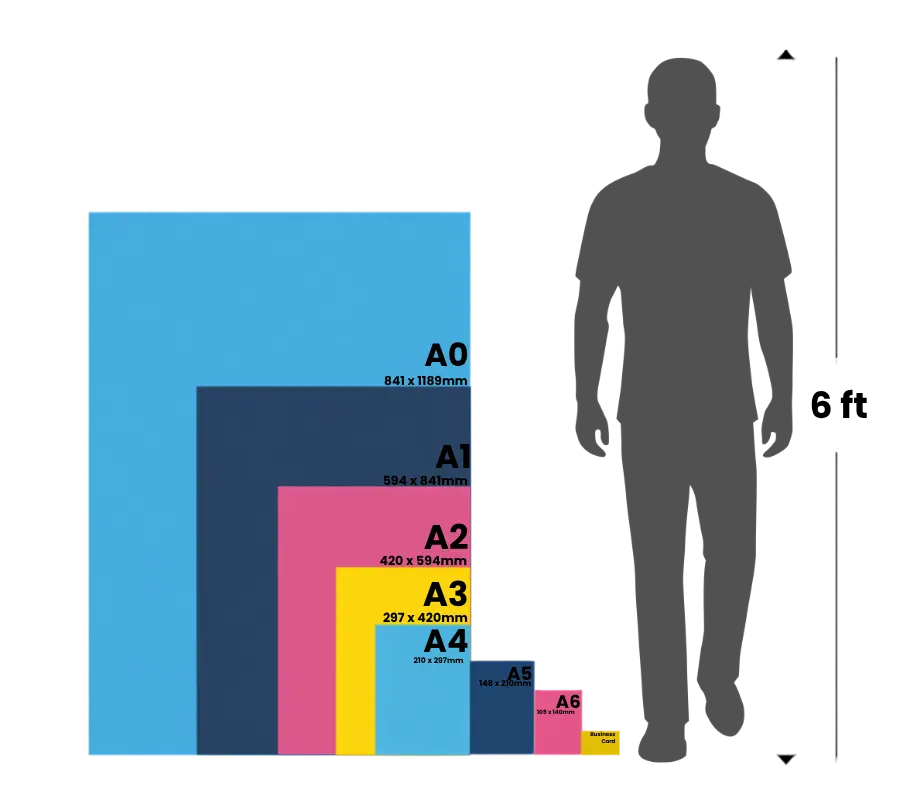
The easiest way to understand A sizes is the Rule of Halves:
- A0 is the largest size
- A0 folded in half = A1
- A1 folded in half = A2
- A4 folded in half = A5
Each size is exactly half the area of the previous one.
For scale:
- A0 poster – roughly from a person’s waist to their head
- A4 sheet – similar to a standard clipboard size
- Business card (85 × 55mm) – designed to fit comfortably in a wallet or hand
Not sure which size will work for your space? Use masking tape to mark the size on your wall before printing. It’s a quick way to visualise the final size before production.
FAQs - Canva
What shall I do before I start in Canva
Can I print Canva designs professionally with Heron Press?
Yes. Export your design from Canva as a PDF Print file with crop marks and bleed enabled, then upload it to Heron Press for professional Canva printing across a wide range of products and materials.
What file format and settings should I use when exporting from Canva?
Export your design from Canva as a PDF Print file with crop marks and bleed enabled for the best Canva printing results. Select CMYK colour settings where possible to improve colour accuracy, and make sure all images are 300 DPI for sharp, professional print quality.
Does Heron Press offer white label delivery?
Yes. Orders can be shipped directly to your customers with no Heron Press branding, ideal for Etsy sellers and small businesses using Canva printing.
How do I choose the right paper or finish for my print?
Need a quote?
Have a question? Ask Claire!